Foundry VTT server management
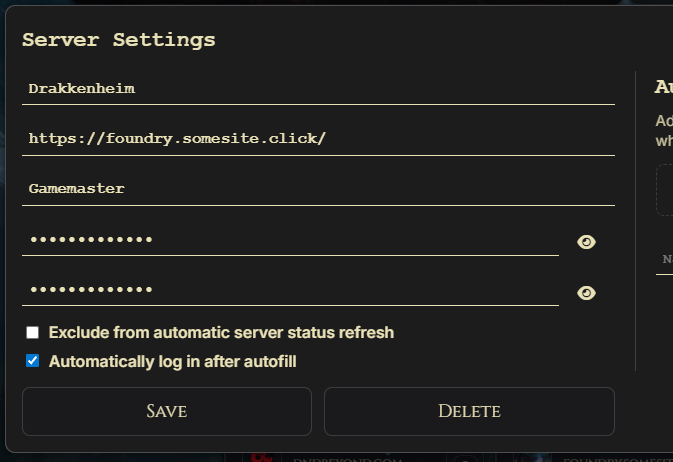
Save multiple Foundry servers with names, URLs, usernames, passwords, admin passwords, auto-login, status refresh settings, and per-server favourites.
A practical Electron launcher for Foundry VTT players who want server management, favourites, portable app support, theme control, update checks, and Discord Rich Presence in one focused desktop client.
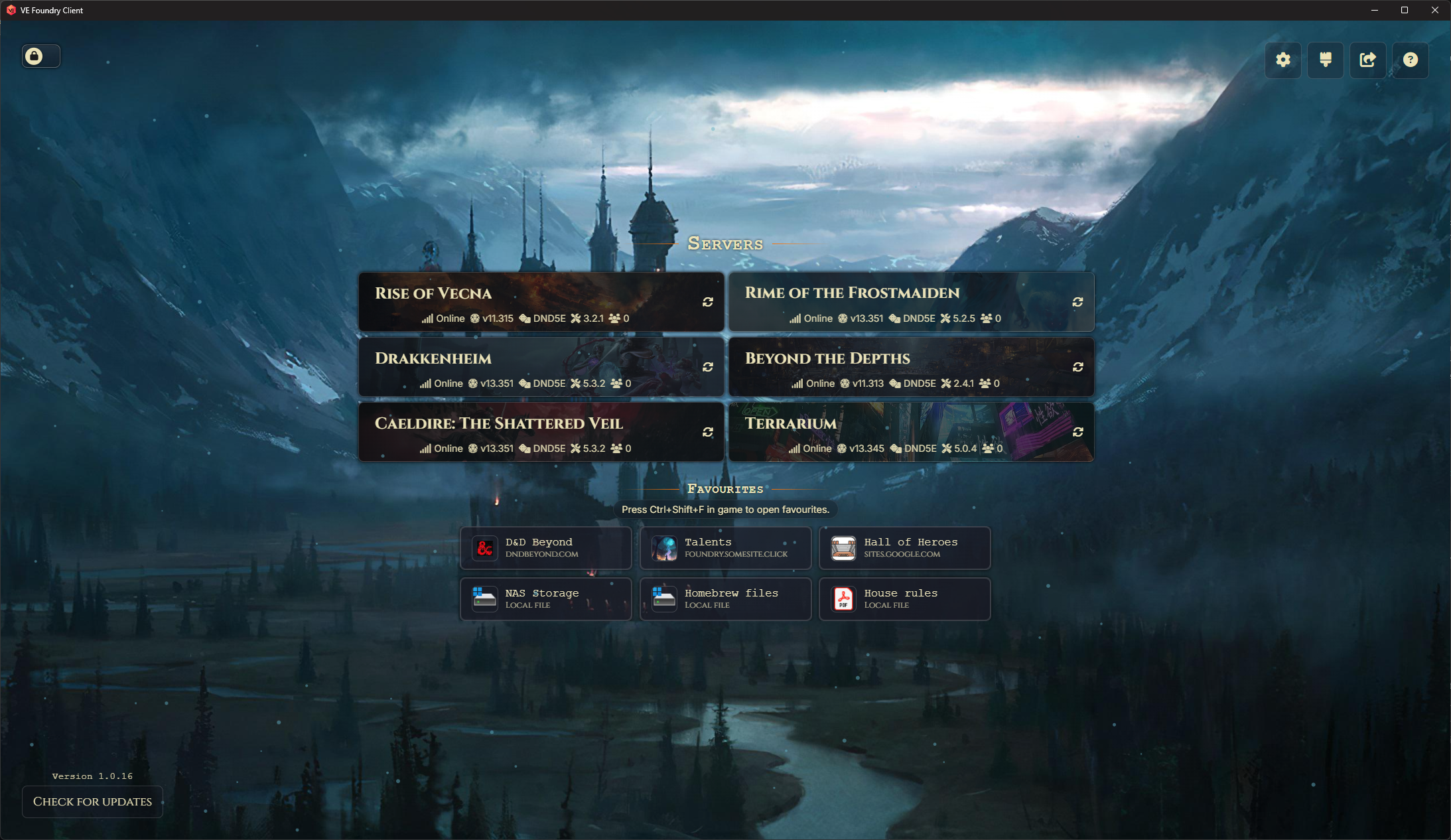
VE Foundry Client is an independent fork of the FVTT Player Client line. It keeps the simple goal of opening Foundry VTT in a dedicated desktop client, then adds the quality-of-life tools that make repeated campaign play smoother: saved servers, quick references, per-server autorun items, import/export, and a launcher layout you can tune to your table.
Save multiple Foundry servers with names, URLs, usernames, passwords, admin passwords, auto-login, status refresh settings, and per-server favourites.
Keep campaign links, local PDFs, handout folders, character notes, images, and reference sites close to the tabletop without turning your browser tabs into a maze.
Download Windows installer, portable, and zip builds, plus Linux AppImage/package archives and macOS builds from GitHub releases.
Server tiles can show Foundry version, world name, system, system version, online player count, cached login artwork, and active-server effects. You can disable refresh for individual servers when polling is not wanted.

Save websites, local files, folders, PDFs, images, notes, and other Windows file types as quick-launch favourites. Use them from the launcher, open selected favourites automatically for a specific server, or call up the in-game favourites popup with Ctrl+Shift+F.
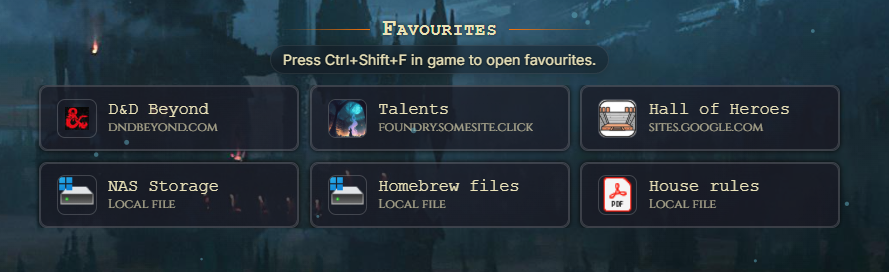
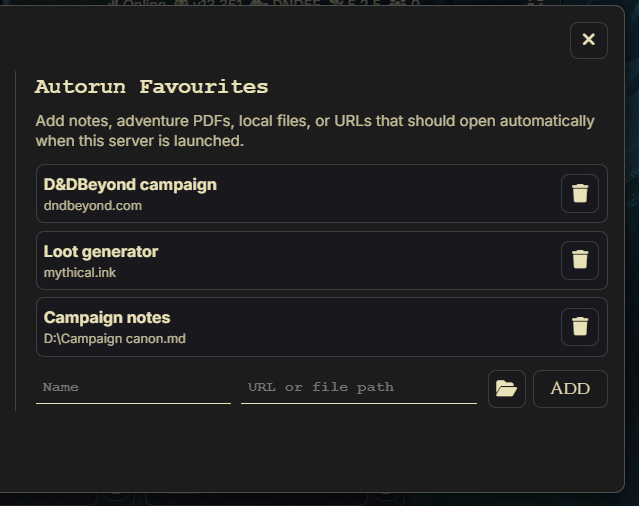
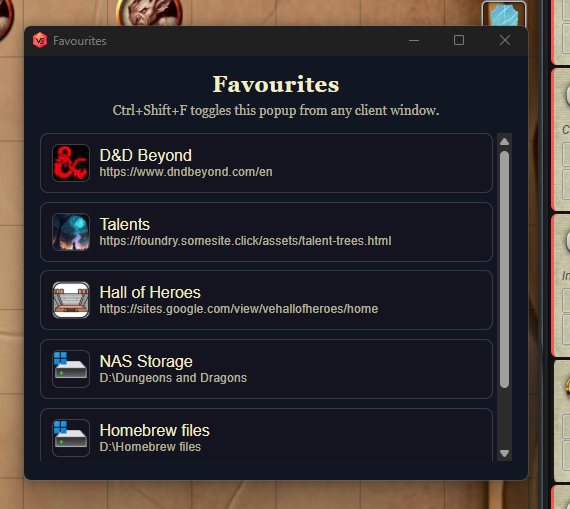
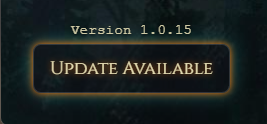
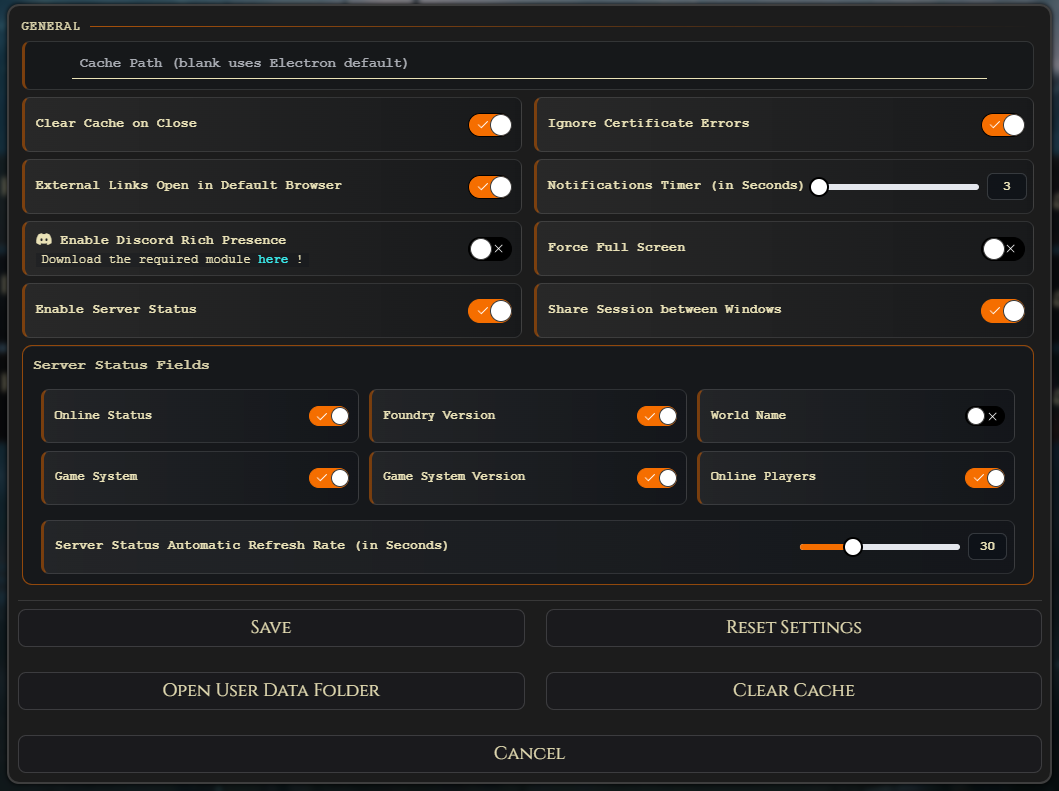
VE Foundry Client keeps the everyday maintenance tools visible but out of the way. Tune the client, customize the launcher, export only the data you want to share, and read release notes when updates are available.
Manage cache behavior, certificate handling, external links, notifications, fullscreen behavior, zoom, and Discord Rich Presence.
Adjust base theme, background images, colors, buttons, particles, Google Font URLs, and local font files.
Back up or share settings, servers, credentials, themes, main favourites, and per-server autorun favourites separately.
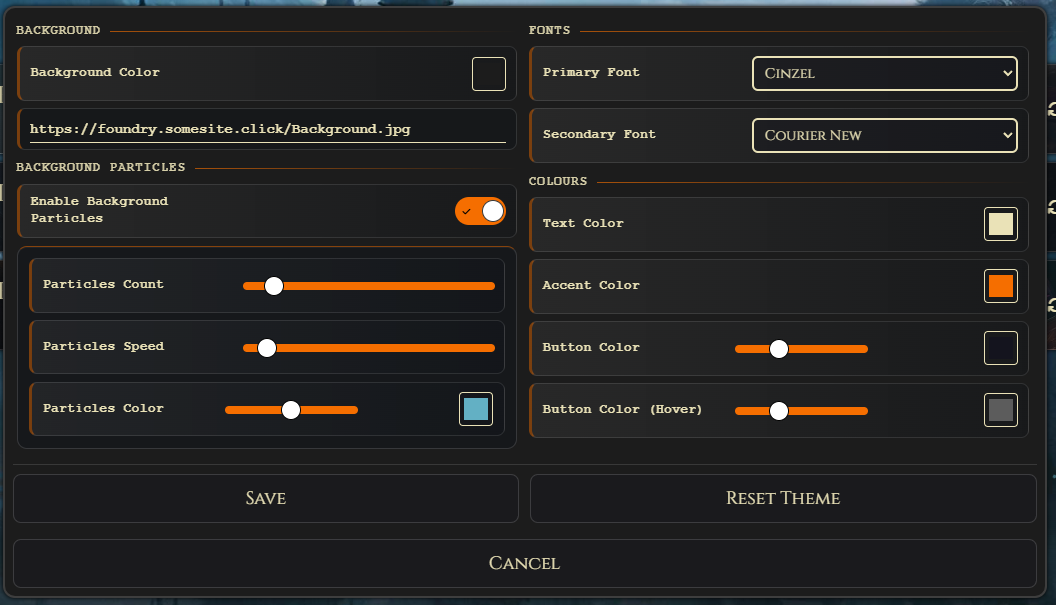
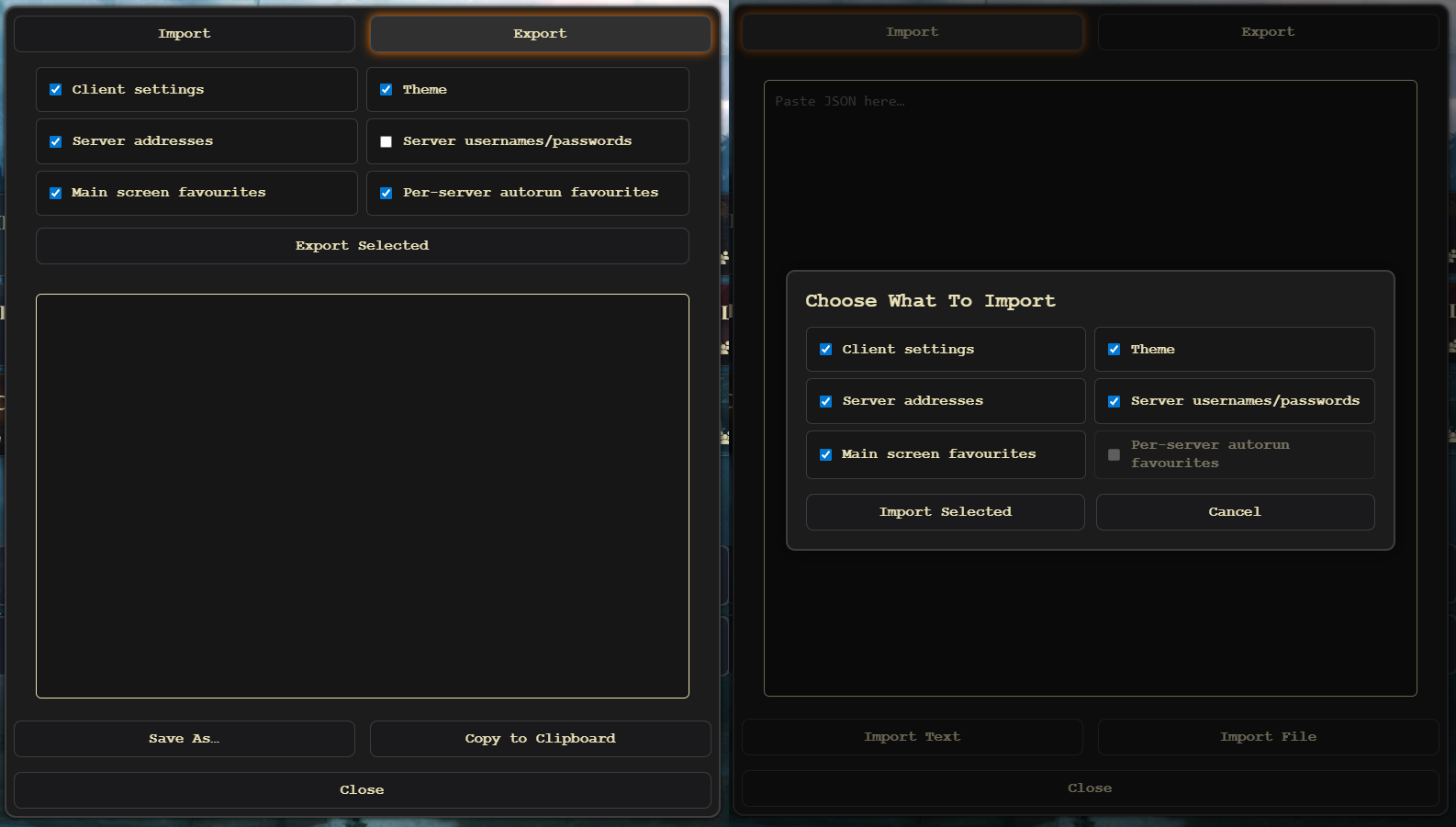
Open Foundry worlds in a dedicated Electron desktop client instead of mixing sessions with everyday browsing.
Keep campaign references, files, folders, notes, and web tools attached to the same launcher as your servers.
Unsigned builds, GitHub releases, Windows installer and portable options, Linux packages, macOS builds, and a maintainer voice that keeps expectations plain.
Use the Windows installer for a normal app install, or the portable Windows build when you want the app and its data in one folder. GitHub releases also include Linux and macOS builds. The app is currently unsigned, so your operating system may warn you before running it.
VE Foundry Client is a Foundry VTT desktop client and launcher. It wraps Foundry in a focused Electron browser experience and adds server management, favourites, themes, updates, and import/export tools.
No. It is an independent, privately maintained client for connecting to Foundry VTT servers. Foundry VTT itself remains a separate product.
Yes. VE Foundry Client can launch websites, local files, folders, images, PDFs, notes, and other Windows file types using the normal app for that item.
Yes. Discord Rich Presence can be enabled in the client and requires the matching Foundry VTT Rich Presence module in the Foundry world where you want presence updates.